



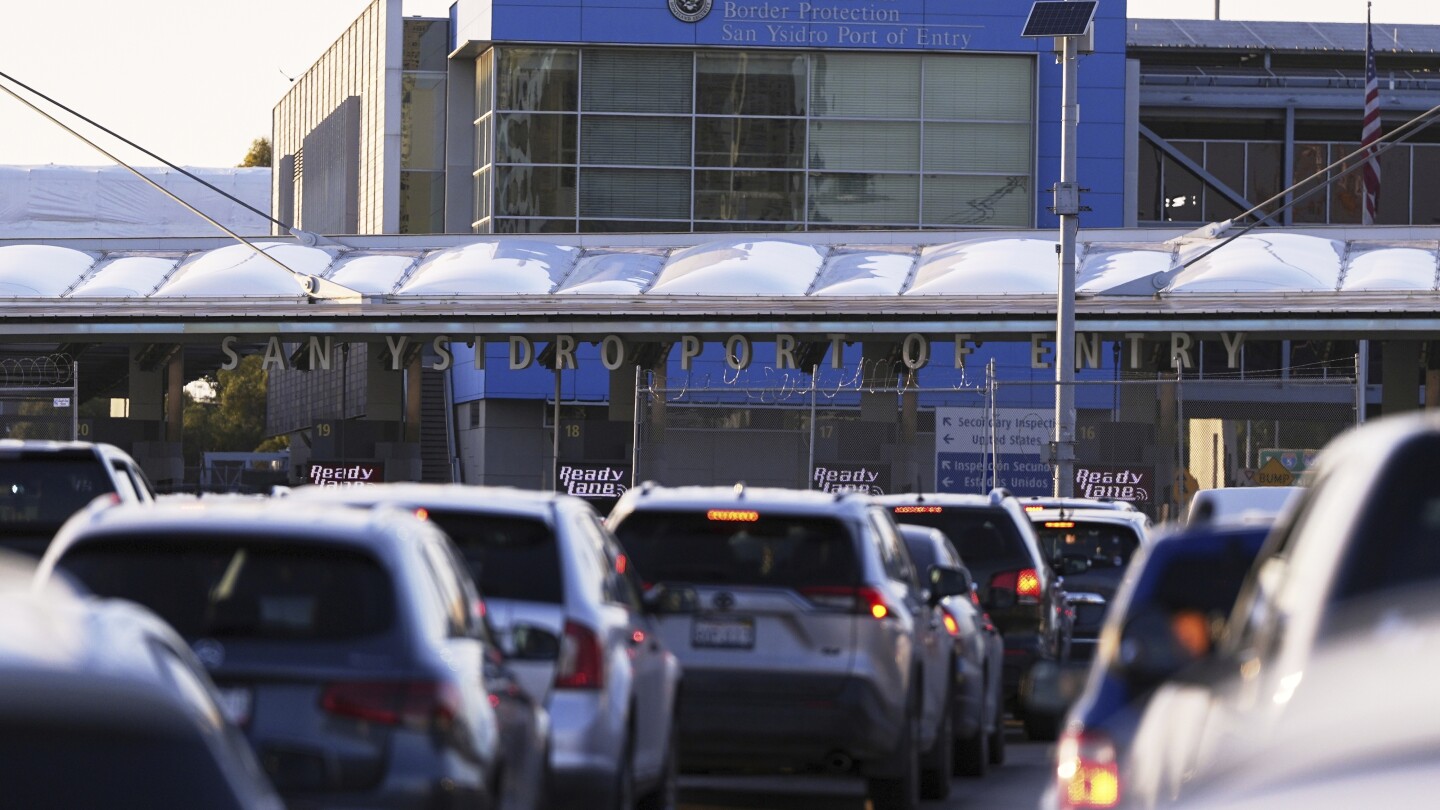
LONDON (AP) — Planning an international trip? Travelers should prepare for the possibility of extra scrutiny of their phones when crossing borders, especially when entering the United States.
The Canadian government warned travelers in a recent travel advisory that U.S. border agents are entitled to search your electronic devices and “don’t need to provide a reason when requesting a password to open your device.”
Some recent cases have made travelers nervous about their privacy, such as when a Brown University professor with a U.S. visa was deported to Lebanon after border agents found a photo of Hezbollah’s leader on her phone.
“While 100% privacy may be impossible in these situations, there are a few things you can easily do that make it much harder for someone to see your private data even with physical access to your device,” said Patricia Egger, head of security at encrypted service Proton Mail.
Here are tips on protecting your device privacy while travelling:
What should I do before I set off?
Experts say the best strategy is to reduce the amount of information you’re carrying while traveling.
If possible, leave your phone at home. If you need one on your trip, borrow a tactic used by corporate executives looking to avoid hackers: get a temporary or “burner” device. It can contain just the information you need for your trip. Download anything else from the cloud when you need it.
If you have to bring your phone or laptop, upload sensitive information to a cloud storage service that uses end-to-end encryption, then delete the originals from your device.
Also, encrypt your phone or laptop’s storage drive and protect it with a strong password. Be aware this is different from merely having a device passcode lock, which is more easily cracked, or the end-to-end encryption on your favorite communication platforms.
Turn off fingerprint or facial recognition features and use the PIN or passcode instead.
What kind of search will be done at borders?
There are two kinds of searches, according to the U.S. Customs and Border Protection website.
In a basic search, an officer scrolls through your phone’s photos, emails, apps and files. No suspicion of wrongdoing is needed to conduct this type of search.
In an advanced search, the contents of your device could be copied for analysis. But a senior manager needs to sign off and there needs to be “reasonable suspicion” of a legal violation, except if there’s any concern for national security, according to the Electronic Frontier Foundation (EFF).
Who’s at risk of getting searched and what are they looking for?
“It’s hard to say,” says Sophia Cope, senior staff attorney at the EFF, which offers an extensive online guide to border privacy. Warrants are not needed to inspect devices belonging to anyone entering the country.
U.S. Customs and Border Protection agents carried out a total of more than 47,000 electronic device searches last year, up tenfold from a decade ago.
Basic searches “can be for no reason at all, totally random, or based on a mere hunch about someone – maybe based on how they look or an answer they gave to a preliminary question,” said Cope.
Travel history can also be relevant, for example, if a traveler originates from someplace where terrorism, drug trafficking, or child sex tourism is common, she said. Border agents can also search devices “at the behest” of other agencies like the FBI or if they’re associated with someone else of interest, such as a journalist’s source, a business associate or a family member.
What should I do when I get to the border?
Best to power off your devices when you touch down.
Under current policy, U.S. border agents are only allowed to look at information stored on the device, and not anything that’s kept in the cloud. So if you have to leave your phone on, make sure it’s kept in airplane mode or otherwise disconnected from the internet by Wi-Fi or cellular data.
“Before crossing the border, put your device in airplane mode to ensure remote files don’t get downloaded accidentally,” the Canadian government warns.
But keep in mind there might be cached data that still remains on your phone, such as files in the trash that haven’t been emptied.
What if I refuse?
American citizens can’t be denied entry to the United States for refusing to consent to device searches. The same should apply to lawful permanent residents such as green card holders, the American Civil Liberties Union says.
But agents can make things difficult if they’re refused. Travelers could be questioned, detained temporarily or have their devices seized and not returned for days or even weeks, rights groups say.
Foreign travelers could be turned back if they say no.
If you’re forced to unlock your device, Egger advises that “where you can, log in yourself rather than divulging any PINs or passwords, and if forced to share passwords, change them as soon as you can.”
Experts say the reason you should not use your device’s fingerprint or facial recognition feature is that it’s easier to compel you to unlock your device with biometrics. A border agent could simply hold your phone up to your face or force you to press your finger onto your device. There are also fears that police could use fingerprints stored on government databases.
Powering off your devices is another way to protect against sophisticated attacks in case you don’t consent to a search.
Most modern phones and some laptops encrypt their data using a strong cryptographic keys only accessible when the user unlocks it with the passcode, said Will Greenberg, the EFF’s senior staff technologist.
If the device is locked but not turned off, the key remains loaded on the device’s memory. Powerful hacking tools made by companies like Cellebrite can recover the key and decipher the data.
But if the device is off, the key is unloaded and can’t be accessed until it’s turned on again and unlocked with the passcode.
“This is why a border agent can’t simply turn a device on to use a tool like Cellebrite,” Greenberg said.
What about social media?
To be on the safe side, delete your social media apps and reinstall them later. Even though content is mainly stored on a social media company’s servers, Cope says some posts or images might remain on your phone’s memory cache and therefore viewable even in airplane mode.
What else can be searched?
It’s not just phones and laptops. Digital cameras, smartwatches, tablets, external hard drives and other electronic devices can be searched.
What not to do?
Some tactics might backfire. If you’re tempted to completely wipe your phone or laptop hard drive before you travel, experts warn it could raise scrutiny.
“If detected by a border agent, the fact that you wiped your hard drive may prompt the agent to ask why you did so,” the EFF’s guide says. “Even traveling without devices or data that most travelers typically have could attract suspicion and questions.”
Also don’t try to hide information on your device, because border agents could find out, the group says. “Lying to border agents can be a serious crime, and the agents may take a very broad view of what constitutes lying,” it says.
What about other destinations?
Check local laws of your destination before you travel. For example, Britain’s counterterrorism law allows police to demand that people passing through the country’s border hand over devices along with passwords and PINs. If they refuse, they can be charged with terrorism.
___
Is there a tech topic that you think needs explaining? Write to us at [email protected] with your suggestions for future editions of One Tech Tip.
